
How to Mount a TV on the Wall
Mounting a TV yourself is doable on a drywall wall with studs. Five steps keep it safe and level.
Find the studs, attach the wall plate into at least two studs, bolt the bracket to the TV, hang it, level it, then tidy the cables. Brick or tile walls need masonry anchors and the right drill bit.
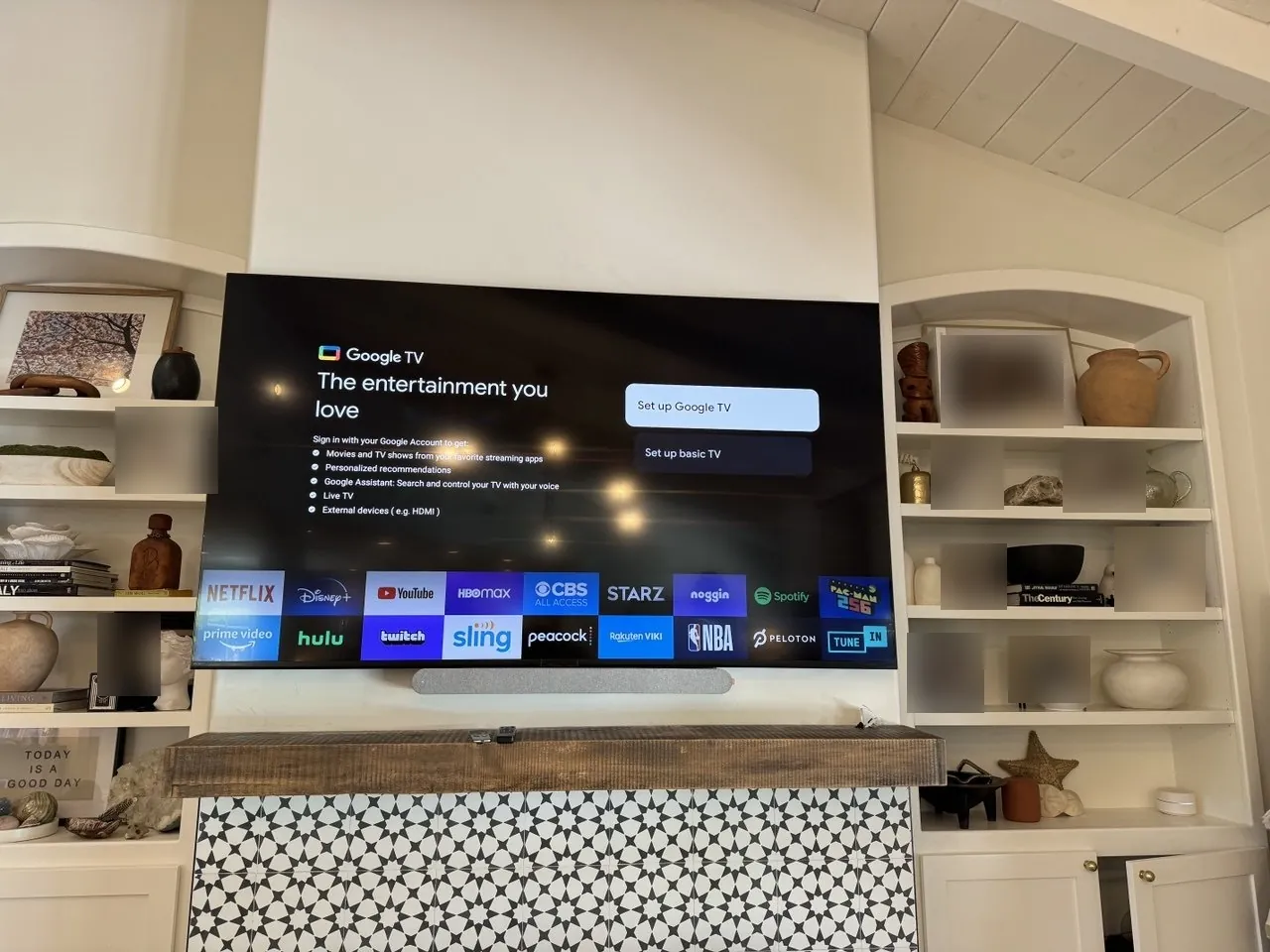
Our own work in Los Angeles. Not a photograph of the steps below.
Step by step
- 1Find the studs
Run a stud finder slowly across the wall and mark the center of at least two studs; in most homes they sit 16 inches apart on center. Confirm each mark by probing with a thin finish nail or a 1/16-inch pilot hole where the bracket will cover it; a stud gives firm resistance the whole way in. Don't trust a single beep: stud finders false-alarm on pipes, wiring and metal corner bead, so sweep from both directions and mark where the readings agree.
- 2Mark & drill the wall plate
Hold the wall plate against the wall, set a level across it, and pencil-mark the bolt holes so they land on your stud centers. Drill pilot holes about 1/8 to 5/32 inch for typical 5/16-inch lag bolts, then drive the lags with a socket wrench until snug plus a quarter turn. If a bolt suddenly spins free, you've missed the stud or stripped the wood, so stop and reposition. A common mistake is drilling all four holes before checking level; drill and set one bolt, re-level, then do the rest.
- 3Attach the bracket to the TV
Lay the TV screen-down on a blanket and match the bracket arms to the VESA hole pattern on the back (measure hole-to-hole in millimeters, e.g. 200x200 or 400x400). Use the bolt length the kit specifies for your TV, since a too-long bolt can bottom out against internal components, and add the included spacers if the back is curved or recessed. Tighten until the arms don't shift by hand; overtightening can crack the housing.
- 4Hang and level
With a helper for anything over 40 inches, lift the TV so the arms catch the top rail of the wall plate, then engage the locking screws or safety tabs at the bottom. Give the TV a gentle tug downward and forward to confirm it's locked before letting go. Set a level on the top edge; most brackets allow a few degrees of post-hang rotation, so nudge it true and snap a phone photo of the locking hardware so you can check it hasn't shifted later.
- 5Manage the cables
The quickest clean finish is a paintable surface raceway: stick it plumb below the TV, snap the cables inside, and paint it to match the wall. For a fully hidden look on drywall, use an in-wall rated power-and-cable kit between two cut-in boxes. Never run a TV's power cord itself inside the wall; that violates electrical code. Leave a small service loop behind the TV so you can swap HDMI cables without unmounting anything.
What can go wrong (and how to fix it)
The ways this job usually goes sideways, and what each one is telling you.
In many older LA homes the walls are plaster over wood lath, and stud finders read the lath strips as one continuous stud. Switch to a magnetic finder and hunt for the vertical line of nails holding the lath, or drill a small test hole where the plate will hide it. Plaster also cracks easily under lag torque, so drill clean pilot holes and don't overdrive.
The bolt either missed the stud edge or stripped the pilot hole. Back it out and check the hole with a bent wire: if there's no wood behind it, shift the plate to hit the stud center; if the wood is stripped, move up or down an inch on the same stud and drill a fresh pilot.
First loosen the post-hang leveling screws and re-set the TV; most brackets allow 2-3 degrees of rotation. If one side keeps dropping, the wall plate itself was bolted off-level, and the fix is remounting the plate, not forcing the bracket.
Use a masonry bit and sleeve or wedge anchors rated well above the TV's weight, and drill into the brick body rather than the softer mortar joints. On LA stucco exteriors (patios, outdoor TVs), you must anchor through the stucco into the studs or block behind it. Stucco alone will not hold a TV.
In LA, treat every wall mount as seismic hardware: hit two studs minimum, use the bracket's locking screws, and skip drywall-anchor-only installs entirely for TVs over about 30 pounds. If the bracket has a safety strap or set screws, use them. A locked bracket keeps the TV on the wall during a shake.
Short on time, or want it guaranteed?
Our insured pros handle TV mounting from $149, same-week, with an upfront flat price and a satisfaction guarantee.
TV Mounting we have done in Los Angeles
Real TV Mounting jobs by Construction Hub. Our own photos, not stock, and not staged for this guide.
Read next
What TV mounting costs in Los Angeles, and the guide that picks up where this one stops.
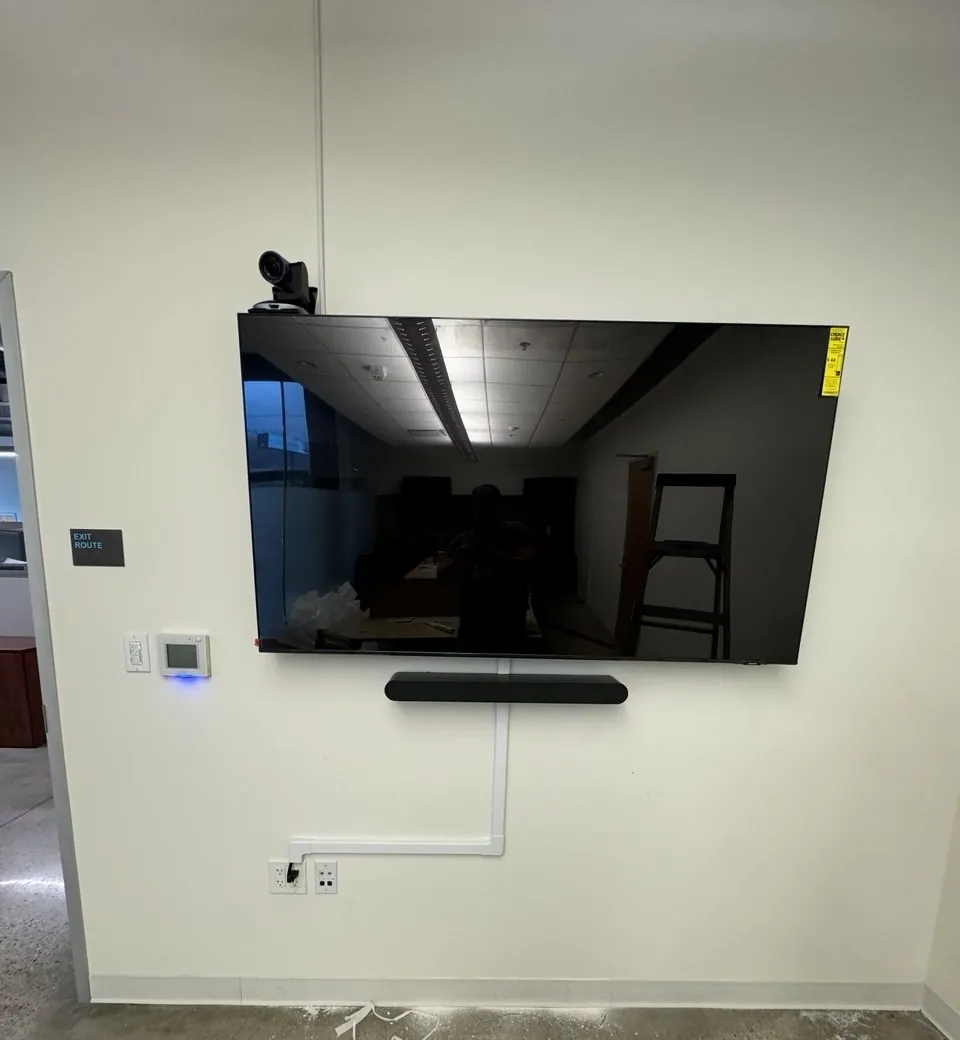
What TV mounting costs in Los Angeles
Most jobs land between $149 and $299. Wall material moves this quote further than screen size does.
See the price breakdown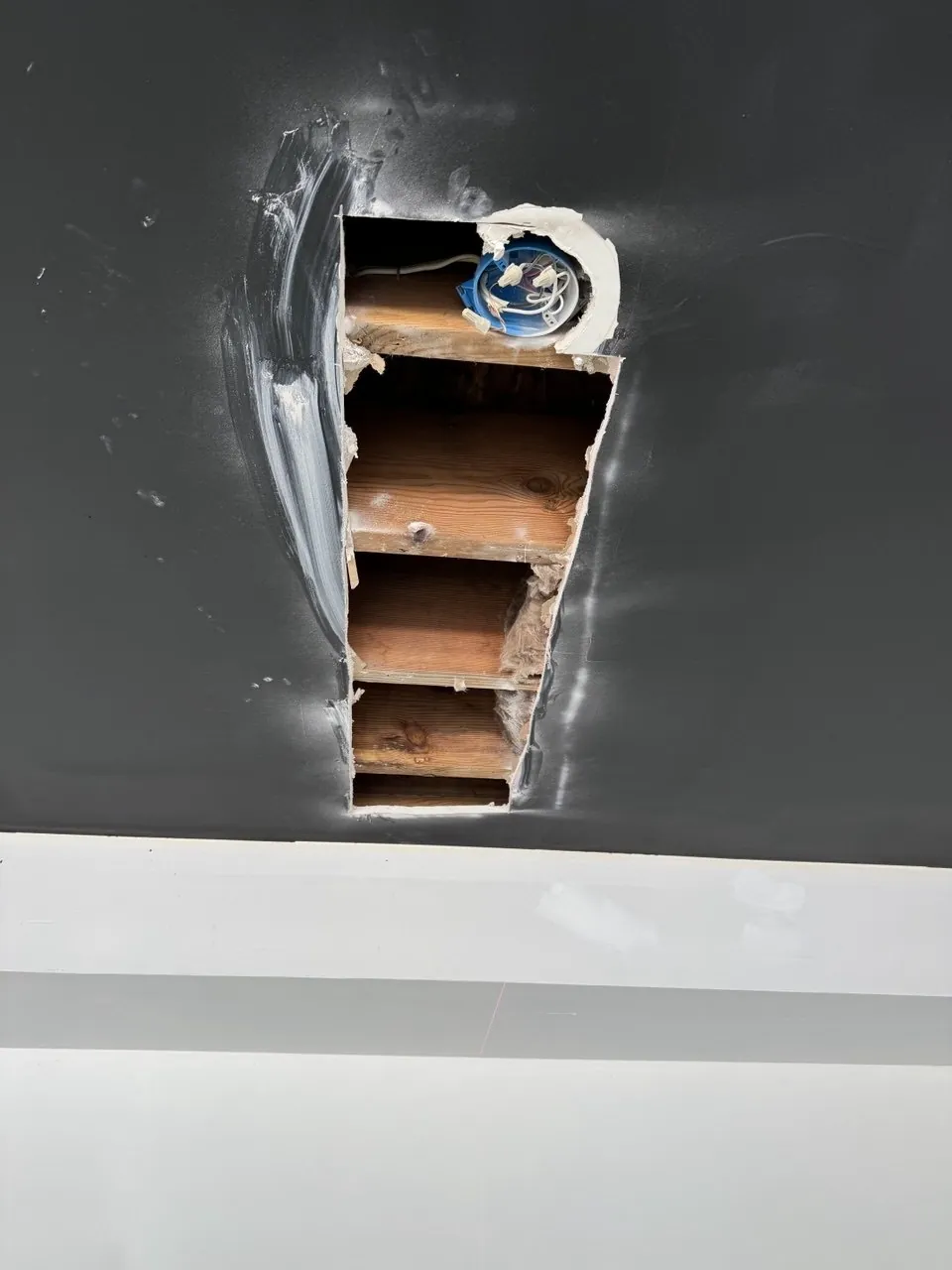
How to Fix a Drywall Hole
A lag bolt that missed the stud, or an old mount you took down, leaves holes about the width of a thumb. Patching them is one afternoon.
Read the guideMore DIY guides
The other job that hangs real weight off framing you cannot see, with the same rule about what a plug anchor will and will not hold.
You can diagnose a blocked gutter from the ground in about ten minutes.
Every guide we have written, and the point in each job where it is worth handing over.
How to Mount a TV on the Wall: FAQ
Can I mount a TV without studs?
On drywall you should hit studs or use heavy-duty toggle anchors rated for the TV's weight, but studs are the safer choice.
How high should a TV be mounted?
Center of the screen around eye level when seated, usually 42–48 inches from the floor to center.
What size lag bolts do TV mounts use?
Most kits include 5/16-inch lag bolts about 2.5–3 inches long: enough to bite at least 1.5 inches into the stud after passing through drywall. Drill a 1/8 to 5/32-inch pilot hole so the stud doesn't split, and always use washers.
Can I hide the TV power cord inside the wall?
Not the factory cord. Running an appliance power cord inside a wall violates electrical code. Use an in-wall rated power relocation kit (a code-compliant outlet behind the TV fed from below), or keep power in a paintable surface raceway.
Get the next guide by email
New how-to guides and the seasonal checklist for LA houses. No sales emails.
We'll only use your email for the guides.